You walk up to your Tesla at MIA, at PortMiami, or in a Brickell tower garage and the car is locked. The fob does not respond. The door handles do not present. The Tesla app shows the car as offline. This is almost always a dead 12V, not a real lockout. Here is how to confirm it and how to get back in.
The short answer
A Tesla that is locked and unresponsive is almost always a dead 12V battery. The high-voltage traction pack can still have plenty of charge. The 12V is what wakes the car, runs the locks, and lets the door handles present. A clean external 12V source wakes the car and restores access.
Why the car looks locked
The Tesla 12V runs the body control module, the keyless entry system, the door handles, and the locks. When the 12V is gone:
- The fob has nothing to talk to.
- The Tesla app cannot reach the car.
- The door handles do not present on approach.
- The manual interior door release may still work, but the doors will not open if the 12V-driven latch is locked.
To the driver, it looks like a locked car. To the car, it is asleep with no way to wake up.
How to confirm it is the 12V
Three things to check:
The Tesla app
If the app shows the car as offline and has for a while, the 12V is likely the cause. The car cannot maintain a network connection on a dead 12V.
The fob
Try the fob a few times. A dead 12V gives no response at all. A weak 12V sometimes gives one response and then nothing.
Recent history
A car that sat at MIA for ten days, at PortMiami for a cruise, or in a Brickell tower for a long vacation is a 12V call. A car that drove yesterday and is locked today could be either, and a multimeter check is the cleanest confirmation.
How to get back in
Use the Tesla app as a Bluetooth key
If your phone is paired with the car and Bluetooth is on, the Tesla app can sometimes unlock the car directly through Bluetooth even when the network connection is down. Open the app and try the unlock button. This works on most modern phones paired with most modern Teslas.
Use the physical key card
If you carry the Tesla key card, hold it against the driver-side door pillar. The card communicates through NFC and can unlock the doors even with a dead 12V. This is the cleanest path for Model 3 and Model Y owners who carry the card in their wallet.
Jump the 12V to wake the car
If neither the app nor the card opens the doors, you need to wake the 12V. The procedure for most Teslas:
- Open the frunk using the manual release.
- Remove the panel covering the 12V.
- Connect a portable lithium jump starter to the manual’s jump posts.
- The car wakes, the doors unlock, the dashboard lights up.
The manual release for the frunk lives behind a small panel in the nose of the frunk on Model 3 and Model Y. The owner’s manual shows the exact spot.
What a mobile rescue operator does
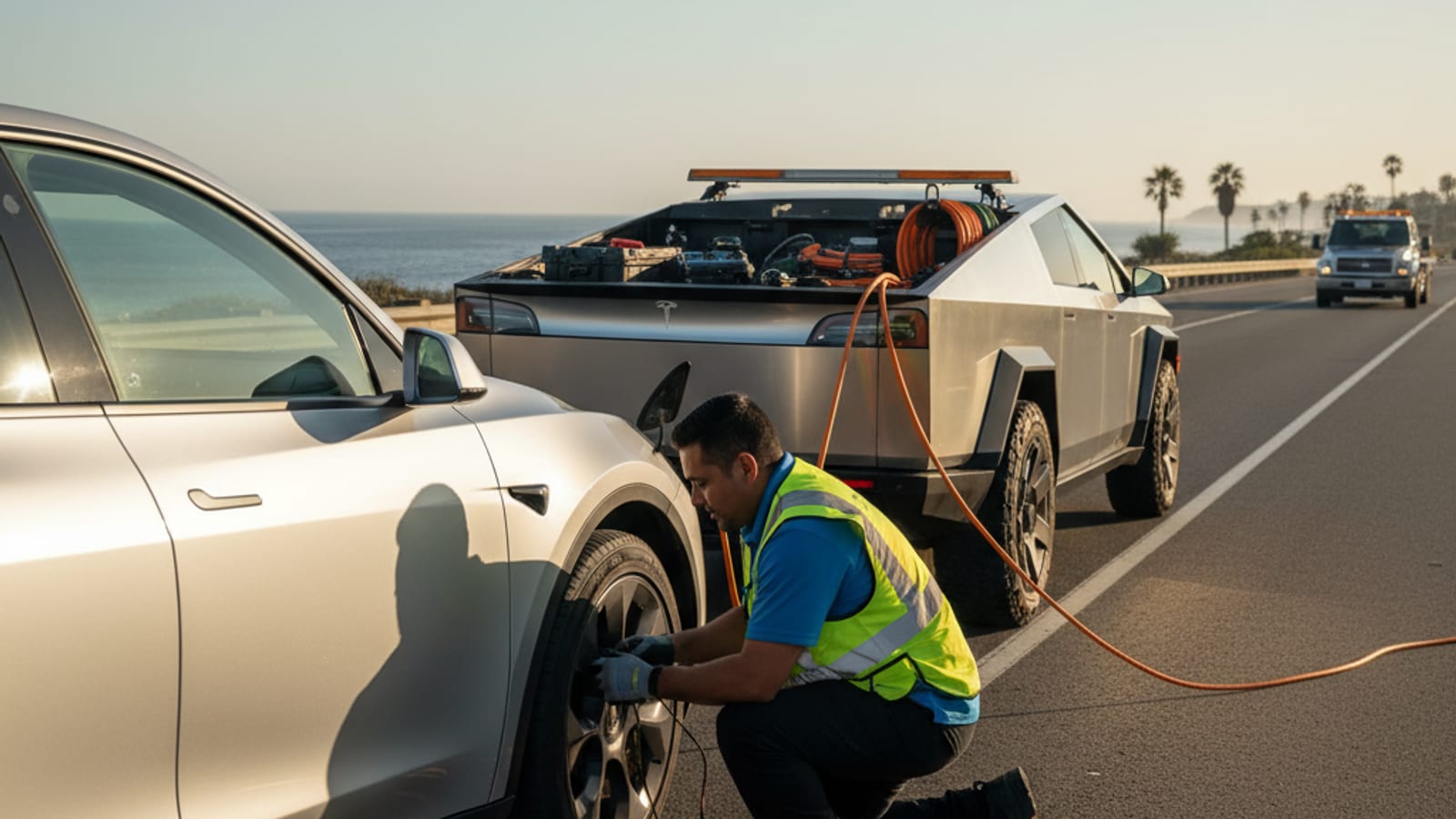
A mobile operator working the South Florida metro comes to the car with the right equipment. For a Tesla dead-and-locked call:
- Open the frunk using the manual release.
- Connect a portable jump starter to the manual’s jump posts.
- Wake the car and confirm the 12V is the cause.
- If the 12V has recoverable capacity, recommend a replacement.
- If the 12V is dead beyond recovery, replace it on the spot with a fresh unit sized for the model.
The operator quotes you before starting and bills you directly.
Why a mobile operator fits the South Florida situation
Most Tesla locked-out calls in this metro happen in places a tow truck cannot easily reach:
- A Model Y in a Brickell tower garage. The frunk has to be opened with a manual release from inside the nose of the frunk or by gaining access to the cabin first.
- A Model 3 at MIA long-term parking. The car is on level two. A tow truck cannot stage without blocking the lane.
- A Model S at PortMiami cruise parking. The car is in a surface lot that tow trucks avoid.
A mobile operator walks to the car or meets it at the elevator. The operator brings the right pack and knows the manual jump points for the model. They quote you before starting and bill you directly.
When the locked-out Tesla is not the 12V
A small number of Tesla lockouts are not 12V issues:
- A door mechanism failure that traps the latch in the locked position.
- A body control module fault that prevents the unlock signal from reaching the doors.
- Water intrusion after a king tide or flood that has confused the electronics.
In those cases, a mobile operator may not be able to open the car from outside. The next step is a tow to a service center.
How to keep the next call from happening
- Carry the Tesla key card in your wallet. The NFC unlock works through a dead 12V.
- Keep the Tesla app paired with Bluetooth. The Bluetooth unlock works through a dead network connection.
- Drive the Tesla at least once a week.
- Park in shade or a garage. Heat is the killer.
- Replace the 12V every two to three years in this climate.
Frequently asked questions
How do I get into a Tesla with a dead 12V?
Use the key card against the driver-side door pillar, try the Tesla app over Bluetooth, or open the frunk with the manual release and jump the 12V through the manual’s jump points.
Where is the Tesla frunk manual release?
Behind a small panel in the nose of the frunk on Model 3 and Model Y. The owner’s manual shows the exact spot.
Can the Tesla app unlock the car with a dead 12V?
The app needs the 12V to be alive to communicate. Bluetooth unlock sometimes works when the network is down but the 12V is weak.
What does a mobile rescue operator charge for a Tesla lockout?
The operator quotes you before starting. The price depends on the work and any parts if a replacement is needed. Charge Pro MIA does not set the rate.
When does a Tesla lockout need a tow?
If the manual release and the jump both fail, the next step is a flatbed to a service center.
When to call us
If your Tesla is locked and unresponsive anywhere in Miami-Dade or Broward, call us before you call for a tow. A mobile operator meets the car with a portable jump starter and the right tools. They quote you before starting and bill you directly.
Call us at (786) 963-2995 to reach a local operator.