A Tesla that will not wake in South Florida’s heat looks dramatic but is usually a 12-volt battery that has finally given up. Before you call for help, run the checklist. Most Tesla no-starts resolve with a clean external 12V source.
The short answer
A Tesla that won’t start is almost always a 12V issue in this climate. The traction pack can sit at 70% while the 12V has drained flat. Run the checklist, confirm the 12V is the cause, and either jump it or replace it. A mobile operator working the South Florida metro can do either at your location.
The checklist
Step 1: Look at the dashboard
A 12V-flat Tesla is dark. No dashboard, no welcome animation, no response from the fob. If the screen has any life at all, the 12V may be weak rather than flat.
A traction-pack-empty Tesla has a working dashboard. The screen reads 0% or “Battery Empty.” The lights, locks, and touchscreen still work because the 12V is fine.
If the dashboard is dark, the 12V is the suspect. Move to step 2.
Step 2: Check the Tesla app
A 12V-flat Tesla usually shows as offline in the Tesla app. The car cannot maintain a network connection on a dead 12V.
A traction-pack-empty Tesla with a working 12V shows up in the app normally. You can see the state of charge and the climate status.
Step 3: Try the key card or phone key
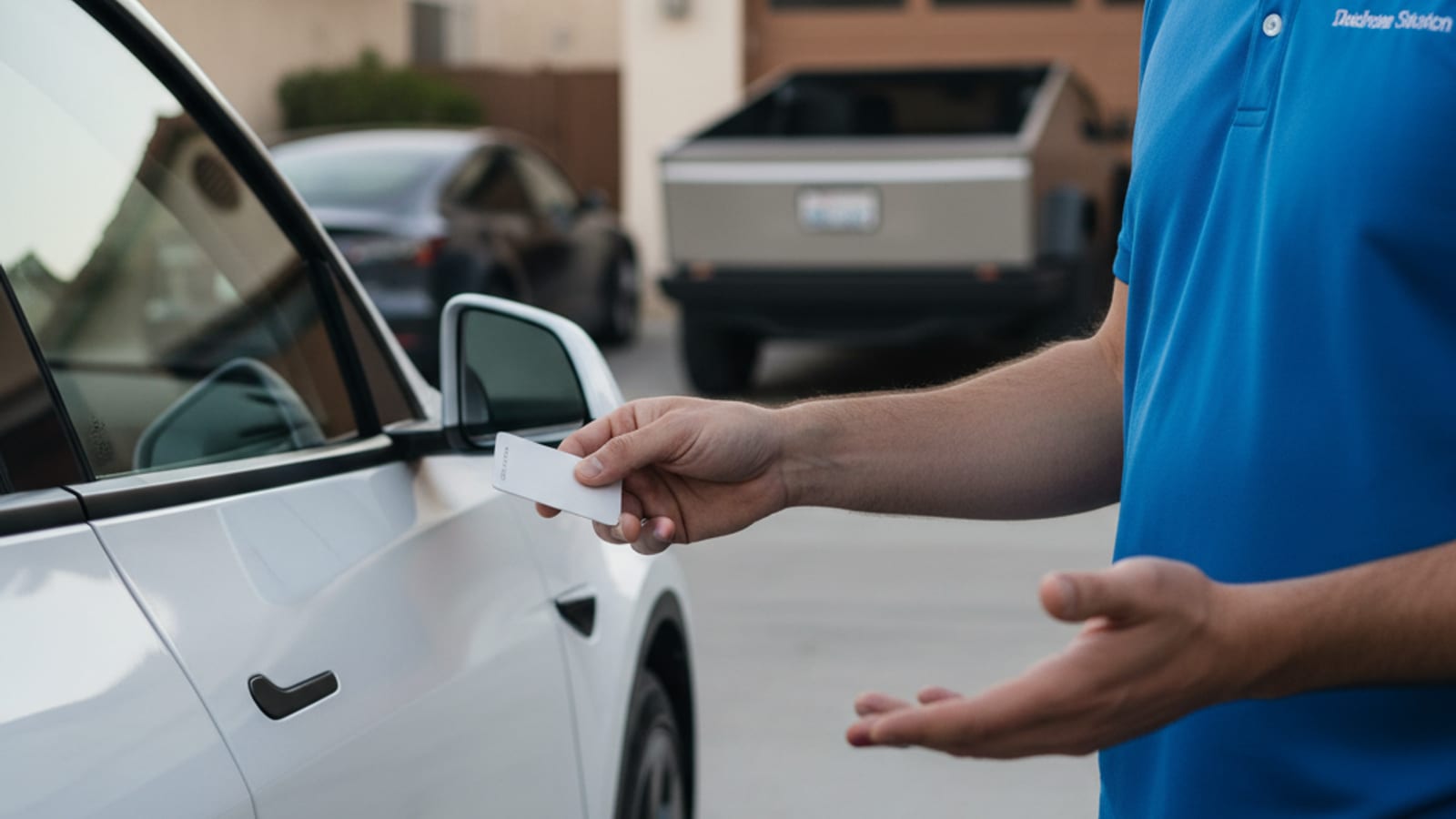
If you carry the Tesla key card, hold it against the driver-side door pillar. The card communicates through NFC and can unlock the doors even with a dead 12V.
If you have a phone key paired via Bluetooth, open the Tesla app and try the unlock button. The app’s Bluetooth path sometimes works when the network connection is down.
Step 4: Try a fob reset
Press and hold both the lock and unlock buttons on the Tesla fob for about five seconds. This resets the fob’s handshake with the car. If the doors respond and the dashboard lights up, you caught the system mid-stall, not mid-failure.
Step 5: Try a portable jump
A portable lithium jump starter connected to the manual’s jump posts wakes the car. Match polarity, follow the manual’s connection order, and disconnect in the order the manual gives. A clean source avoids voltage spikes that can damage the DC-to-DC converter.
If the dashboard lights come up and the car responds, drive to a service center for a 12V replacement within the next few days.
Step 6: Check the 12V itself
If you have access to the 12V under the frunk panel, look at the battery. A swollen case, a wet or crystallized top, or a sulfur smell means the battery has failed and needs replacement.
A multimeter at the 12V terminals confirms the diagnosis:
- A healthy 12V rests around 12.6 volts with the car asleep.
- A failing 12V rests below 12 volts.
- A dead 12V rests below 11 volts.
If the 12V reads under 11 volts, the 12V is the cause.
What a mobile rescue operator does
A mobile operator working the South Florida metro comes to the car with the right equipment. For a Tesla no-start call:
- Confirm the 12V is the cause with a multimeter.
- Apply a stable external 12V source through the manual’s jump points.
- If the 12V is dead beyond recovery, replace it on the spot with a fresh unit sized for the model.
- Once the dashboard is up, top up the traction pack from a 240V Level 2 source if it is also low.
The operator quotes you before starting and bills you directly.
Why the checklist matters in South Florida
The pattern that comes up in this metro:
- A Tesla that sat at MIA for ten days. The traction pack is at 75%. The 12V is at 8 volts. The dashboard is dark. The answer is the 12V.
- A Tesla in a Brickell tower for a long vacation. Same pattern. The answer is the 12V.
- A Tesla that lives outside in Hialeah or Homestead, where summer heat has cooked the 12V. The answer is the 12V.
The checklist confirms the 12V is the cause before you call for help. A mobile operator arrives with the right gear and fixes it on the spot.
When the next step is a tow, not a charge
Some Tesla no-starts are not 12V issues:
- A loud click from under the hood, then silence.
- “Service High-Voltage System” on the driver display.
- Visible underbody damage after a curb strike or flood.
- A burning smell.
Any of those is a tow. Florida Statute 316.194 lets a disabled vehicle stay where it is if it cannot practicably be moved. Set hazards, clear the car, and call for a flatbed.
A Tesla that sat in floodwater is its own case. NHTSA warns against parking a flood-exposed EV within 50 feet of a structure and against charging it until it has been inspected.
How to keep the next call from happening
- Drive the Tesla at least once a week.
- Park in shade or a garage. Heat is the killer.
- Replace the 12V every two to three years in this climate for lead-acid, three to five for lithium.
- Unplug accessories like dash cams and OBD-II dongles for long sits.
- Watch for warning messages. The 12V usually gives you days of notice.
Frequently asked questions
What does the Tesla checklist confirm?
Whether the no-start is a 12V issue or a traction pack issue. A dark dashboard points at the 12V. A lit dashboard at 0% points at the pack.
Can I jump a Tesla with a portable jump starter?
Yes. Follow the manual’s procedure. Match polarity and disconnect in the order the manual gives.
What does a mobile rescue operator charge for a Tesla 12V jump?
The operator quotes you before starting. The price depends on the work and any parts if a replacement is needed. Charge Pro MIA does not set the rate.
When does a Tesla need a tow, not a jump?
If the dashboard shows a high-voltage fault, the car has visible damage, or it sat in floodwater, the next step is a flatbed to a service center.
Where does the Tesla 12V live?
Behind a panel under the frunk on most models, or under the hood on older Model S and Model X cars. The owner’s manual shows the exact spot.
When to call us
If your Tesla is dead anywhere in Miami-Dade or Broward, call us before you assume the worst. A mobile operator meets the car, runs the checklist, and either jumps it or replaces it on the spot.
Call us at (786) 963-2995 to reach a local operator.